

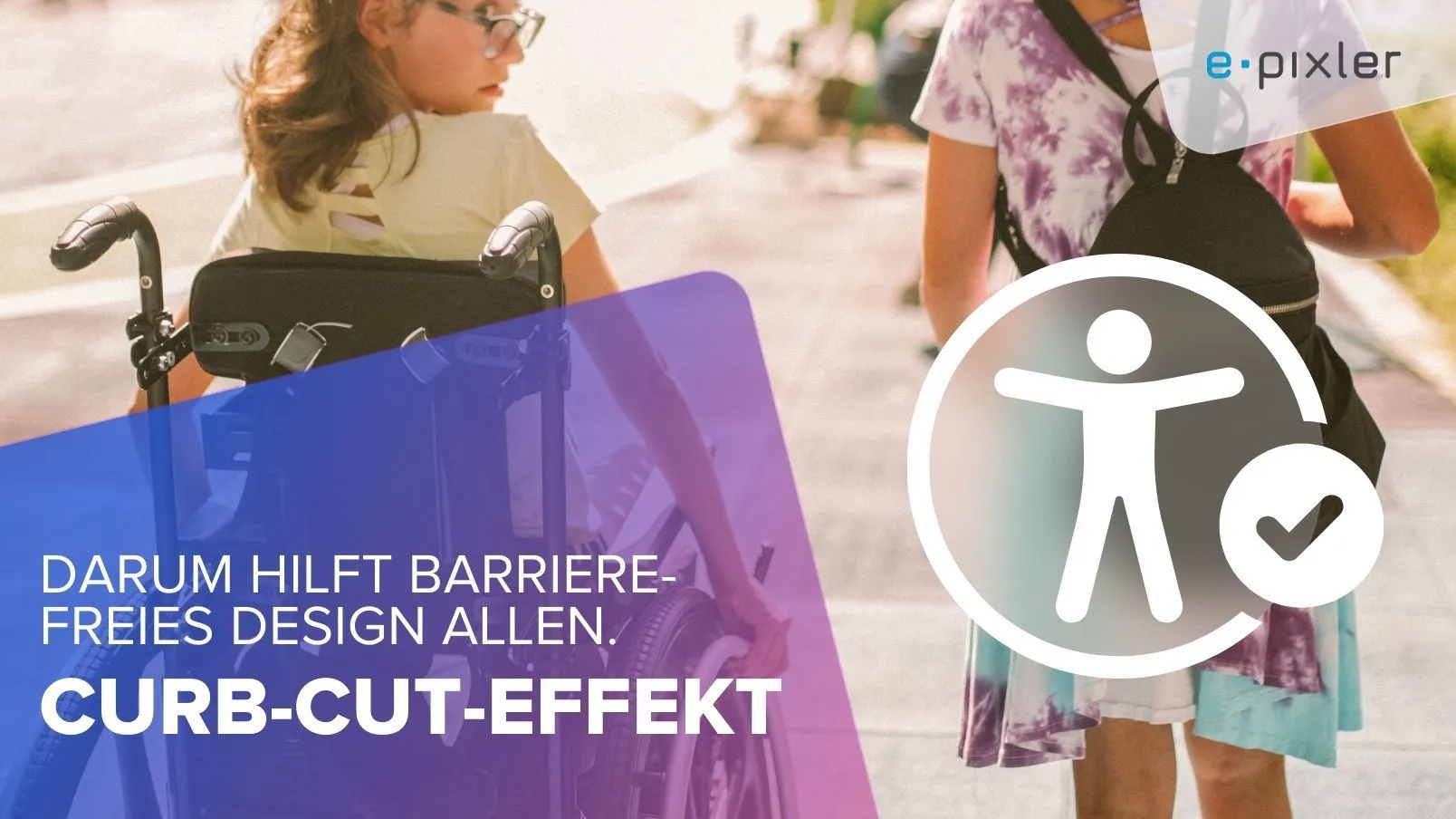
The Curb-Cut Effect
Why accessible web design benefits everyone.
Accessibility is often associated with special solutions for individual user groups. What is often overlooked is that accessible design creates a noticeable added value for all users, regardless of impairments or assistive technologies.
This phenomenon is known as the “Curb-Cut Effect.”
What does the Curb-Cut Effect mean?
The term comes from urban spaces:
In the United States, curb cuts at intersections were introduced starting in the 1970s to enable wheelchair users to participate independently in road traffic.
It soon became clear:
The measure benefited far more people.
For example:
- Parents with strollers
- People with wheeled suitcases or walking aids
- Delivery workers with hand trucks
- Cyclists or simply people walking comfortably
A measure for accessibility evolved into a comfort standard.
The Curb-Cut Effect in web design
What works in road traffic also applies in the digital space.
Accessible measures on websites increase usability, comprehensibility, and efficiency – for everyone.
#1: High color contrast & good readability
Contrast, sufficiently large font sizes, and clear typography make it easier to use for:
- People with visual impairments
- older users
- mobile users in direct sunlight
- anyone who needs to absorb information under time pressure
#2: Usability without a mouse
Websites that can be controlled entirely by keyboard are helpful for:
- users with motor impairments
- power users who navigate without a mouse
- people with temporary impairments (e.g. an injured hand)
#3: Alternative text for images
Alt text enables screen readers to convey image content, but it is also useful for:
- users with a slow internet connection
- indexing by search engines (SEO)
- low-barrier display on voice-controlled devices
#4: Clear structure & simple language
A logically structured website with a sensible hierarchy (e.g. H1–H6) and understandable language promotes:
- orientation for screen readers and search engines
- quick information intake for everyone
- inclusive communication that excludes no one
Accessibility is therefore not a limitation, but part of good UX!
Accessible design is not only a legal requirement (for example under BITV or WCAG), but an essential component of good user experience.
What is necessary for one specific target group also improves usability for others – often unnoticed, but tangible.
So the next time you start a project, it’s worth asking yourself:
- Where do all users benefit from an accessible solution?
- Which existing functions can be made more inclusive?
- Is accessibility considered from the very beginning in the design process?
And of course with e-pixler!
Aktuelles zu „Accessibility“
Alle Beiträge anzeigen


Sie wollen ein Projekt mit uns realisieren?
Schreiben Sie uns gern oder rufen Sie uns an unter
